Tools
Digital tools for everyone
Writing a CV, keeping the household accounts, fixing a photo for an ID, editing the class video. Thirteen complete programs, free and open source, that CPIA makes available to anyone: they open in the browser, on any device, with nothing to install and no account to create.
- Last updated: 24 October 2026
- 13 programs, free and open source
- 46 updates in the last 30 days
A program for every job
Each one opens in a new browser tab. The first time it downloads in a few seconds, then the browser remembers it.
Office
-

WordCraft
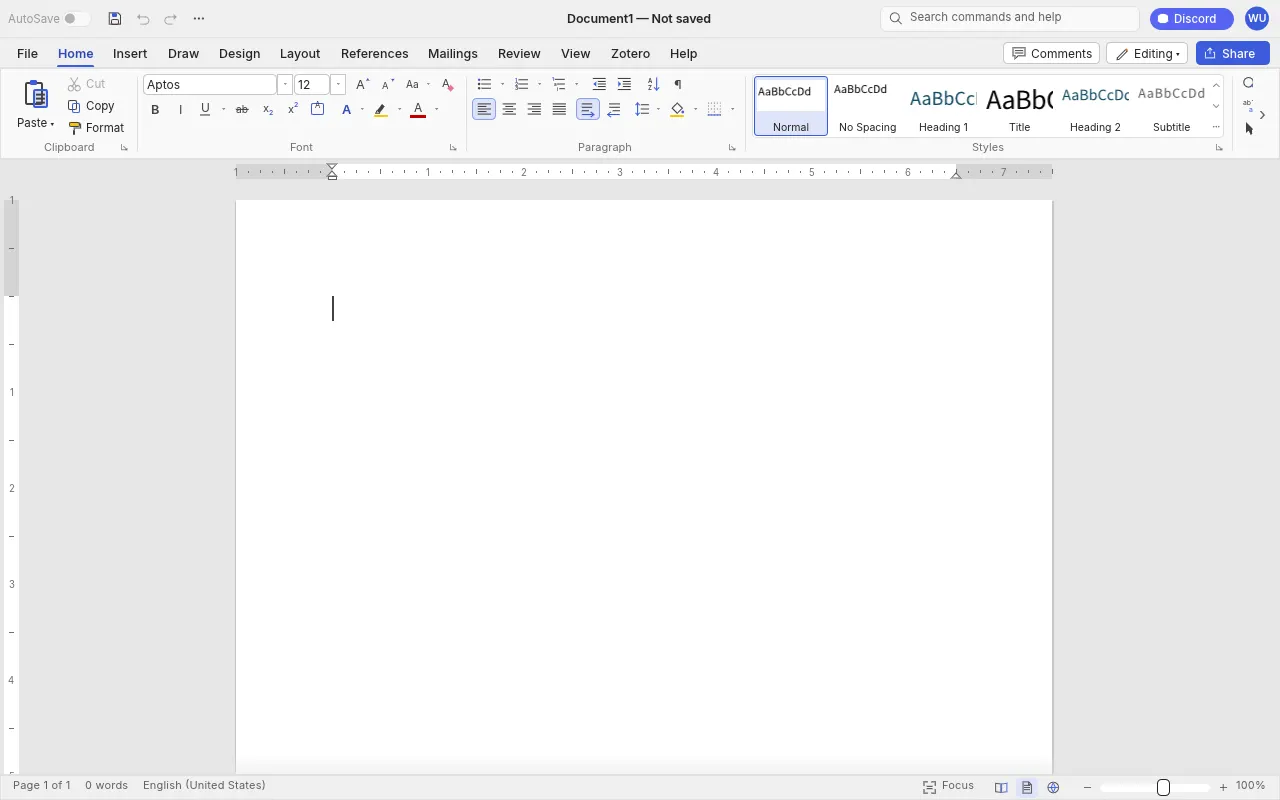
Formatted texts and documents, with styles, tables, track changes, notes and indexes. Your CV, a letter, a report.
Opens and saves .docx and .odt, exports to PDFversion 0.10.0 Open -

GridCraft
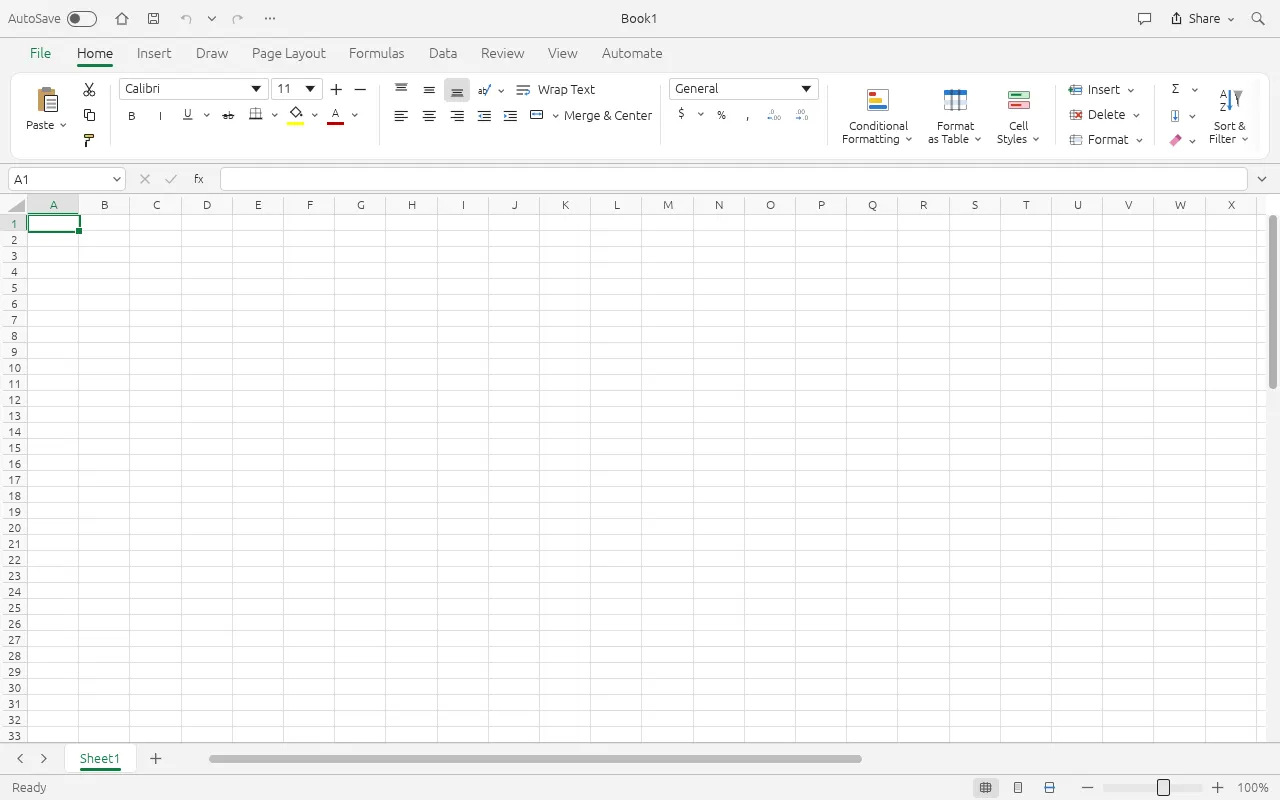
Spreadsheets with over 500 functions, charts and pivot tables. Household budget, working hours, marks.
Opens and saves .xlsxversion 0.11.1 Open -

DeckCraft
Presentations and slide shows, to present a project to the class.
version 0.10.0 Open -

PdfCraft
Read, annotate, reorder and protect PDFs: forms, documents, receipts.
version 0.13.0 Open -
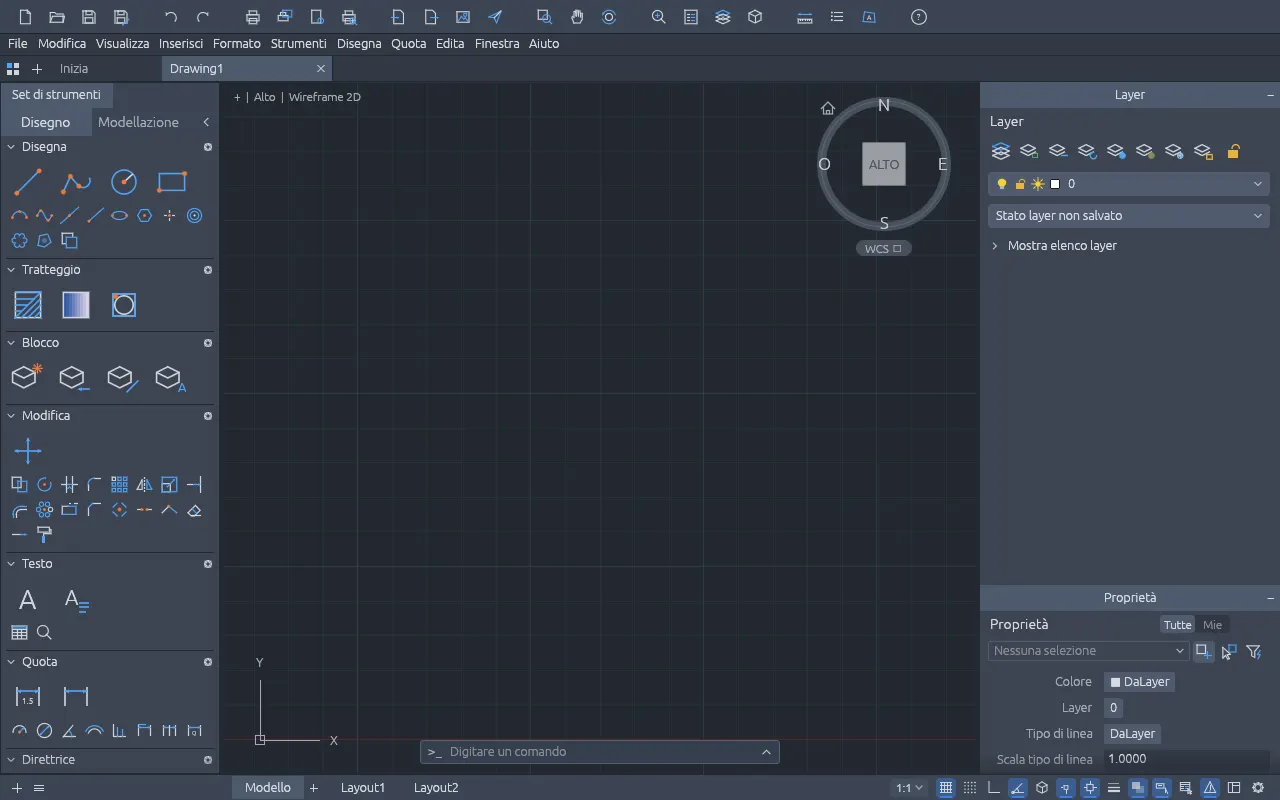
CADCraft
2D technical drawing with layers, dimensions, hatches and blocks, for vocational courses.
DXF, opens DWG, exports PDF and SVGversion 0.12.0 Open
Images and graphics
-

PhotoCraft
Photo editing with layers, masks and text: an ID photo, a picture for a flyer.
Opens PSD filesversion 0.15.1 Open -
LightCraft
Photo library and raw development, never touching the original.
version 0.13.0 Open -

VectorCraft
Vector illustration, logos and icons that stay sharp at any size.
version 0.16.0 Open -
DesignCraft
Layout for flyers, magazines and catalogues: the school newsletter, the party poster.
version 0.12.0 Open -
FigCraft
Interface design and prototypes for apps and websites.
version 0.10.0 Open
Video and audio
-
FilmCraft
Video editing with colour correction and sound: the school trip video, a story told in pictures.
version 0.12.0 Open -

EffectCraft
Motion graphics, titles and visual effects.
version 0.16.0 Open -

SoundCraft
Multitrack audio recording, editing and mixing: this is where a podcast is made.
version 0.12.1 Open
The digital divide is not about being clever
Between someone with a new computer and every licence paid for, and someone with a second-hand tablet, there is a gap that has nothing to do with effort. A word processor on subscription, a technical drawing program, a photo editor: together they cost hundreds of euros a year, need a recent computer, an account, often a credit card. For many of the people who study at CPIA (those who have just found a home, those who work shifts, those going back to books after twenty years) these are real obstacles, before they are technical ones.
That is why CPIA Bergamo offers a set of professional tools that anyone can use, from anywhere, without paying anything and without asking anyone's permission. The same programs we use in class are at hand at home, in the library, at work. What you learn in a lesson does not stop at the school door.
They work on what you already have
There is nothing to buy. Every program runs inside the browser (Chrome, Edge, Firefox, Safari) thanks to WebAssembly, the technology that lets a web page work at the speed of an installed application. The work is done by your device, not by a distant server: if it opens a modern website, it opens these tools too.
- The old laptopThe one left in a drawer: with an up-to-date browser, or a light system such as Linux Mint or ChromeOS Flex, it becomes a working computer again.
- The tabletOpen a tab and start. For long writing, just connect a keyboard.
- The ChromebookThere is nothing to install, so nothing the system can block: the programs start like any website.
- The library computerOr the one in the lab, at the office, at the community centre: even where you cannot install software. No administrator rights needed.
- Windows, Mac or LinuxThe same program, with the same menus, on any system: what you learn in class works exactly the same at home.
- The smartphoneTo read a PDF or check a document on the go. For calm, focused work, a bigger screen is better.
The first time, the program downloads in a few seconds; after that the browser remembers it and it starts straight away. There are no updates to install by hand, and nothing to uninstall when you are done.
Your files stay yours
Documents are not uploaded to any server: you open them from your disk, or drag them into the window, and «Save» brings them back to your device. No account to create, no email to leave, no advertising. That matters for anyone who does not have an email address yet, or does not want to hand their data to a company.
And the formats are the ones everybody uses: a CV written in WordCraft opens in Word (.docx) and becomes a PDF to attach to a job application; a GridCraft sheet is a normal .xlsx file that anyone can open.
Free and open, for real
These are open source programs, published by the ArtCraft project under the Apache 2.0 and MIT licences: the code is on GitHub, and anyone can read it, check it and improve it. No subscription that expires, no «free trial» that locks after thirty days, no strings attached to your data.
For a public school it is a question of method: teaching with open tools means teaching skills that last, not how to use one product. Whoever learns to lay out a document, build a spreadsheet or edit a video can do it with any program, ten years from now too.
Constantly updated
Every night an automatic check looks for new official releases and, when it finds them, installs them after verifying their integrity. So the tools get better almost every day, with more features, more formats and more speed, without anyone having to do a thing. The latest updates are listed below.
An honest tip. These are young programs (versions 0.x) and they grow fast: always keep a copy of the original of any important document. The language follows your browser and can be changed from File › Options. If a program does not start, add ?webgl to the end of the address.
How to start
- Choose a program from the list above and press Open: it opens in a new tab.
- Open a file from your device, or drag it into the window. Or start from a blank page.
- When you are done, press Save: the file goes back to your device, ready to print, send or attach.
Need a hand getting started? Ask the teachers on your course: we use the same programs in class.
Latest updates installed
Every night an automatic check installs new official releases as soon as they come out.
-
PhotoCraft0.14.0 → 0.15.1
release notes
-
SoundCraft0.11.0 → 0.12.1
release notes
-
EffectCraft0.14.0 → 0.16.0
release notes
-
FilmCraft0.10.0 → 0.12.0
release notes
-
LightCraft0.11.0 → 0.13.0
release notes
-
FigCraft0.9.0 → 0.10.0
release notes
The programs come from the open source project ArtCraft (Apache 2.0 and MIT licences, code on GitHub): CPIA hosts their web versions, unmodified.